ArtFlow: Paint Draw Sketchbook
Overview
ArtFlow, developed by Artflow Studio, is an advanced, hardware-accelerated drawing and digital painting application for Android. Built on a high-performance GPU-accelerated engine, it transforms Android tablets and smartphones into highly capable digital sketchbooks. It is designed to replace physical sketchpads with a rich digital environment, offering a fast and highly responsive drawing experience for both amateur and professional illustrators.
Hardware-Accelerated Engine and Canvas Performance
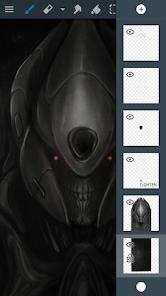
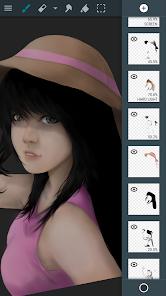
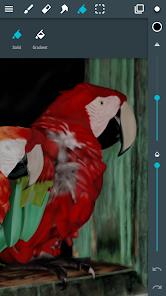
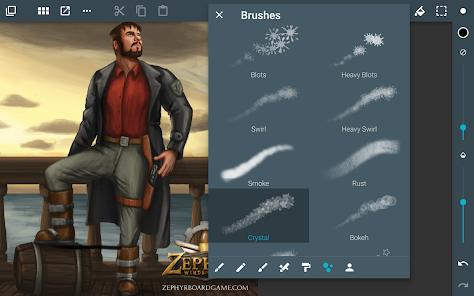
The core of ArtFlow's appeal is its custom GPU rendering architecture, which shifts drawing computations to the graphics processor. This provides smooth, low-latency brush rendering even on large canvas sizes up to 6144x6144 pixels. It supports up to 50 active layers (depending on device memory), giving artists the room to build highly complex, detailed compositions. This system is supported by over 100 customizable brushes, smudge tools, and gradient fills.
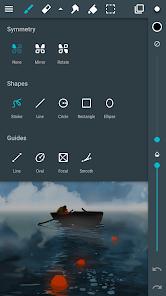
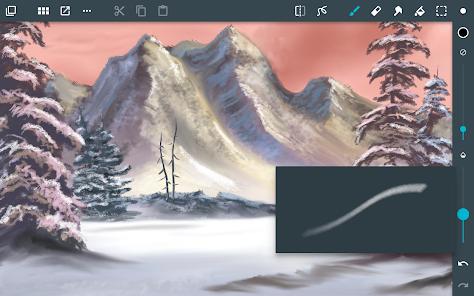
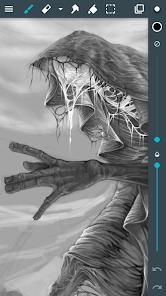
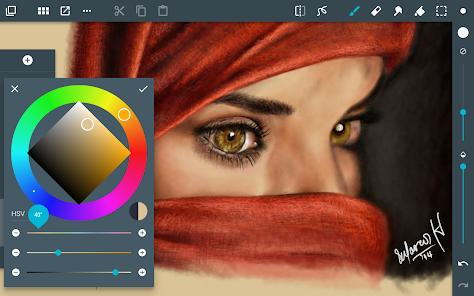
The application is deeply integrated with professional active digitizers, offering robust pressure and tilt support for pens like Samsung’s S Pen and NVIDIA's DirectStylus. This stylus integration is backed by a reliable, device-reliant palm rejection system, allowing artists to rest their hands on the screen without triggering accidental zoom or pan actions. For custom toolsets, the Brush Studio allows users to generate new brush patterns using imported imagery, giving artists unique control over textures and stroke dynamics.
Non-Destructive Compositing and File Pipelines
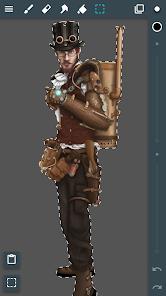
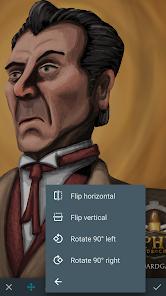
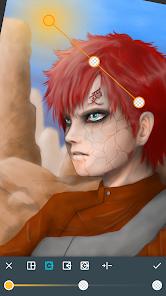
For advanced workflows, ArtFlow includes selection masking, clipping masks, and ten real-time layer filters, including HSV color curves, brightness, and saturation adjustments. Its file engine supports importing and exporting lossless PNG, JPG, and layered Photoshop Document (PSD) files. This makes it easy to begin a drawing on a mobile device and seamlessly transfer the layered file to a desktop editor for final production.
However, the application’s trial restrictions have drawn some criticism. The free, unlicensed version is limited to 20 basic tools, 3 layers, a 6-step undo buffer, and blocks PSD exports, requiring users to purchase a pro license to unlock its full potential. Additionally, while the app excels at traditional raster painting, it lacks vector pen tools or native text rendering engines, keeping the focus entirely on hand-drawn art.
Pros & Cons
Hardware-accelerated GPU engine delivers smooth brush rendering and very low stroke latency.
Supports large, high-resolution canvases up to 6144x6144 pixels.
Full support for active digitizers, providing responsive pressure tracking and reliable palm rejection.
Layered PSD import and export capabilities preserve project structure across desktop apps.
Advanced selection masking, clipping layers, and non-destructive filter adjustments.
- ✕
The free version is highly restrictive, limiting users to 3 layers, 20 tools, and a 6-step undo history.
- ✕
Lacks vector drawing tools and native text editing capabilities.
- ✕
The layer manager lacks advanced features like layer grouping folders and multi-layer selections.
- ✕
Occasional memory-related application crashes can occur during heavy rendering on older devices.
Download
 Get it on Google Play
  Get it on App Store
 FAQs
Does ArtFlow support pressure sensitivity?
Yes, the application supports pressure sensitivity on devices with active digitizers like the S Pen, and can simulate pressure for standard touch inputs.
Can I export my project files as Photoshop layers?
Yes, the pro version of ArtFlow supports importing and exporting layered PSD files to preserve your project structure.
What are the limits of the free version of ArtFlow?
The free tier limits you to 20 basic tools, 3 layers, 6 undo steps, and disables PSD exports.
Does ArtFlow collect or share user data?
Yes, the application may collect and share user personal data and device IDs with third parties, with all data encrypted in transit.
Can I create my own brushes in the application?
Yes, the custom Brush Studio allows you to build unique brush tips and textures using imported images.
Hot Reviews
The app serves as an excellent mobile companion. The ability to quickly sketch on the go and export the layered PSD file straight to Photoshop is incredibly convenient.
This application is perfect for traditional digital artists, offering a reliable, highly responsive drawing workspace free of AI prompt features.
The limitations on the free version are quite severe, with the 3-layer limit and 6-step undo cap making it difficult to try the app before purchasing.