MediBang Paint:Draw Art, Comic
Overview
MediBang Paint: Draw Art, Comic is a highly responsive digital illustration and comic creation program optimized for widescreen tablet interfaces. Developed by MediBang Inc., the software serves as a lightweight, full-featured tool with useful tutorials and rich templates. It provides digital illustrators, painters, and manga artists with a professional-grade workspace on mobile devices.
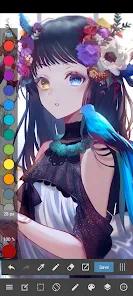
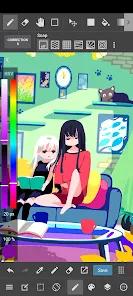
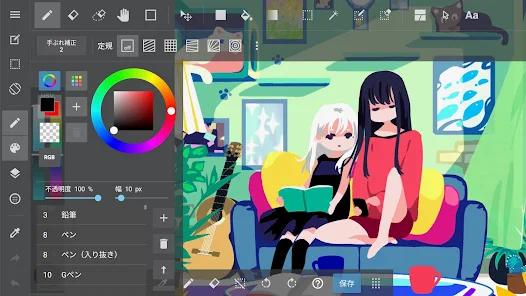
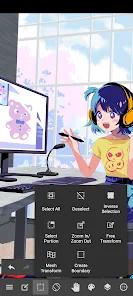
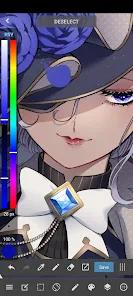
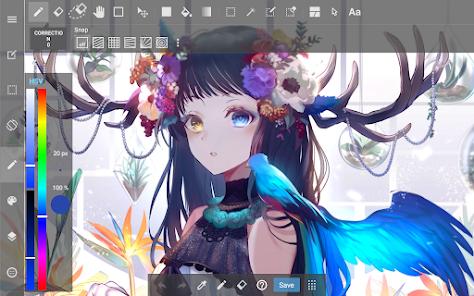
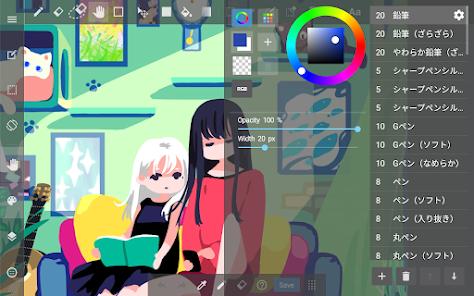
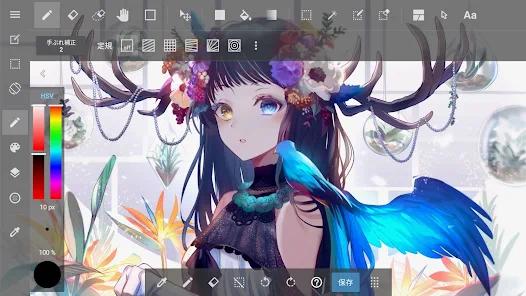
The tablet version is designed to maximize active drawing space. The sidebar panels, toolbars, and color wheels can be collapsed with simple touch gestures, allowing artists to focus on the canvas. The app features an advanced raster rendering engine that supports over 180 default brushes, including pencils, mapping pens, airbrushes, and watercolor media. This engine integrates with pressure-sensitive stylus protocols (such as Samsung's S-Pen and Wacom tablets) to deliver smooth brush strokes and responsive blending.
For comic and manga creators, the application includes dedicated tools that simplify comic production. Users can generate multi-panel layouts directly on the canvas by drawing cut lines to divide spaces. It also features a library of over 46 screentones and backgrounds, alongside 60 localized fonts for professional lettering. This makes it possible to take a comic project from rough pencil sketch to final print-ready design within a single mobile interface.
Furthermore, the app supports professional publishing formats like multi-layer PSD files and CMYK color space rendering. This compatibility allows artists to prepare print-ready CMYK illustrations directly on their tablets, eliminating the need to perform final color conversions on desktop computers.
Pros & Cons
Features a collapsible tablet interface that maximizes the active drawing area.
Includes built-in comic panel cutters and a library of screentones for manga production.
Offers over 60 localized fonts for professional dialogue lettering.
Supports industry-standard publishing formats, including multi-layer PSD files and CMYK color profiles.
Provides high compatibility with active styluses, offering responsive pressure-sensitive inputs.
Includes built-in timelapse recording to help artists capture and share their drawing process.
- ✕
Free tier contains highly intrusive startup, banner, and transition advertisements.
- ✕
Accessing locally stored project files (.MDP format) for manual backup is restricted to paid premium subscribers.
- ✕
Many advanced texture brushes that were previously free are now locked behind subscription paywalls.
- ✕
The file organization gallery can feel slow and clunky when managing a large volume of local files.
Download


FAQs
Can a user run this tablet version of MediBang Paint on a standard smartphone?
While the tablet version is optimized for larger displays , MediBang offers a dedicated smartphone variant called MediBang Paint Mini, which features an interface tailored for smaller screens.
Does the application support layer blending modes?
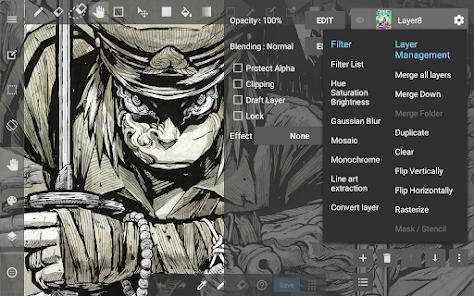
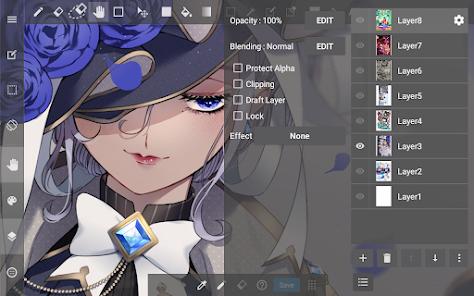
Yes. The app provides a comprehensive range of layer blending modes, including Multiply, Screen, Overlay, and Color Burn, matching desktop drawing software.
Is it possible to import custom Photoshop brushes into MediBang Paint?
Yes. Premium members can import custom brush patterns and shapes, allowing artists to expand their brush libraries with custom tools.
Does the application support non-destructive editing layers?
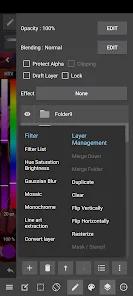
Yes. The software supports clipping masks, layer masks, and folder grouping, allowing artists to perform complex edits without permanently altering their base drawings.
What is the purpose of the MediBang Library within the app?
The MediBang Library provides users with direct access to official tutorials, canvas templates, reference materials, and community drawing resources.
Hot Reviews
Widescreen tablet users appreciate the collapsible sidebar panels, noting that the clean drawing area helps improve their focus.
Free users report that frequent pop-up ads can disrupt the sketching process, making the free tier feel less usable for continuous work.
Manga creators praise the panel cutting tool, stating that it allows them to quickly sketch out storyboards without manual line drafting.
Reviewers criticize updates that place local device access to .MDP files behind a premium membership, complicating manual backups to external storage.