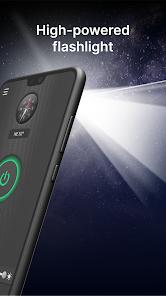
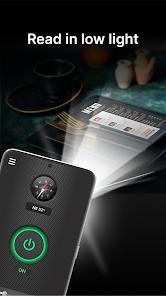
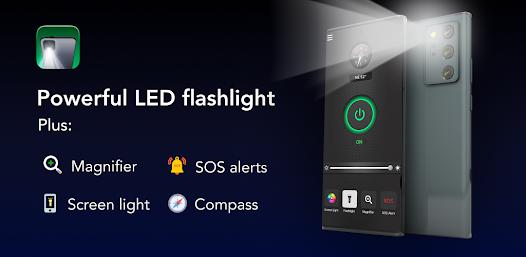
The Brightest Flashlight Launcher is a strategic "Utility Launcher" that bundles essential safety tools with primary device navigation.
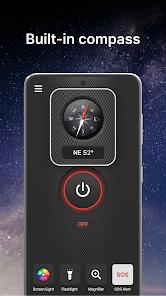
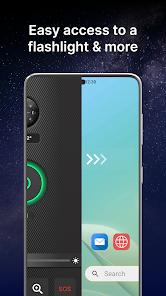
Technically, this app is more than a simple toggle for the LED flash. By operating as a home screen replacement (launcher), it provides "zero-swipe" access to a compass, a magnifying glass, and an emergency SOS strobe.
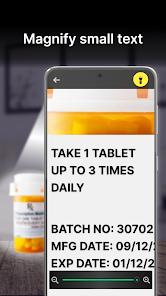
The magnifying glass is particularly well-implemented, utilizing the camera's zoom and light together to help users read "fine print" or menus in dark restaurants. However, the trade-off is high. Like many launcher utilities, this app reorganizes the entire user interface and includes integrated web search. From an architectural standpoint, the app requests extensive permissions for a flashlight, including location and personal info access, which are used to serve targeted content within the launcher's widgets.
Pros
Integrated Safety Suite: Combines a flashlight, compass, magnifying glass, and SOS signal in one interface.
High-Intensity Output: Software overrides ensure the LED operates at its maximum safe brightness.
Effective Magnifier Tool: Extremely useful for users needing to see tiny text in dark environments.
Customizable Launcher UI: Includes weather widgets and themed wallpapers that improve older phone aesthetics.
SOS Signaling: The pre-programmed SOS pattern is visible from a distance for emergency rescue.
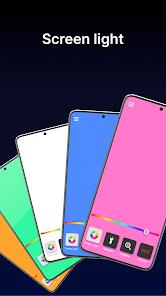
Secondary Screen Light: Allows the phone's display to be used as a soft lantern to save power.
Cons
Interface Overhaul: Replacing the home screen can be disorienting for users who only wanted a simple light.
Aggressive Permissions: Requests location and app activity data, which may be excessive for a utility app.
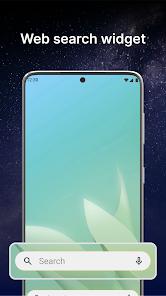
Integrated Ads: The launcher interface includes search bars and suggested content that are ad-supported.
FAQs
It maximizes the hardware limits, but cannot exceed physical bulb capacity.
Swipe right from your home screen to access the safety essentials tab.
Yes, you can switch back to your default launcher in settings at any time.
Yes, it uses the phone's internal magnetometer sensors.
It includes a thermal timer to prevent hardware damage from overheating.
Hot Reviews
It maximizes the hardware limits, but cannot exceed physical bulb capacity.
Swipe right from your home screen to access the safety essentials tab.
Yes, you can switch back to your default launcher in settings at any time.
Yes, it uses the phone's internal magnetometer sensors.
It includes a thermal timer to prevent hardware damage from overheating.