File Recovery - Photo Recovery
Overview
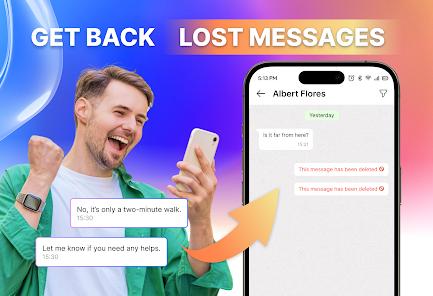
File Recovery - Photo Recovery by SolaraSoft is a targeted utility tool designed to retrieve lost or accidentally deleted media from Android's internal and external storage. Its technical architecture is built on "non-root" recovery, utilizing system-level access to the MediaStore and cache to locate "residue" files that haven't yet been overwritten by the system. The app serves as a critical first-response tool for users who have emptied their "Recycle Bin" or accidentally deleted photos from their gallery.
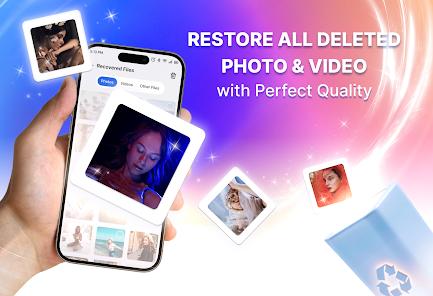
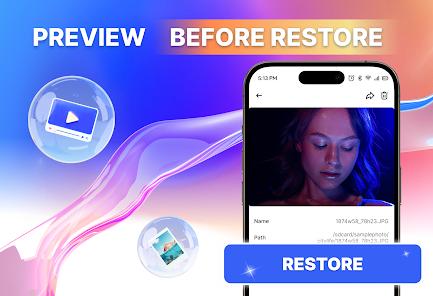
The application supports an impressive range of file types, including images (JPG, PNG, GIF), videos (MP4, MOV), and audio files (voice memos, recordings). An insightful feature is the "Preview Before Restore" functionality, which allows users to see thumbnails of the recoverable files before committing to a restore operation. This prevents the device from being flooded with corrupted or unwanted "ghost" files. However, the developer is transparent about the physical limits of software recovery: once a file's storage block is overwritten by a new photo or app data, the file is permanently gone.
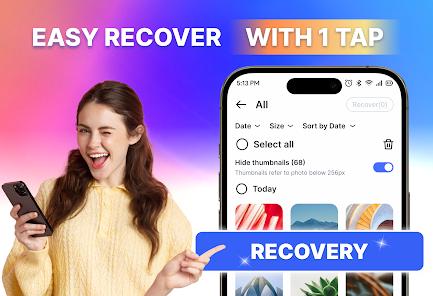
From a usability perspective, the app is designed for speed. It features "Batch Restore," allowing users to select hundreds of images at once and bring them back to their gallery in seconds. The "Custom Scanning" option allows users to target specific folders, such as an SD card, which significantly reduces the time spent searching through unrelated system caches. The developer explicitly notes that the app does not access encrypted or cloud-only data, positioning it purely as a local storage recovery utility.
Pros & Cons
The "No Root Required" design makes it safe and accessible for average users who don't want to risk their device's warranty or security.
Supports an exhaustive list of media formats, including modern types like HEIC and RAW (when readable by the device).
The preview feature is highly effective, ensuring users only restore the specific files they need, thus saving storage space.
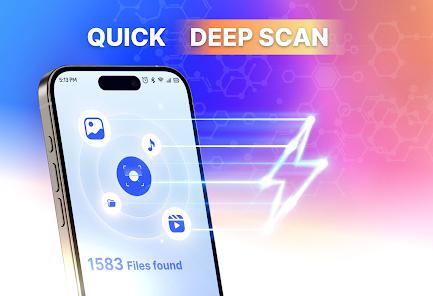
Comprehensive scanning of both internal memory and external SD cards provides a broad "safety net" for data loss.
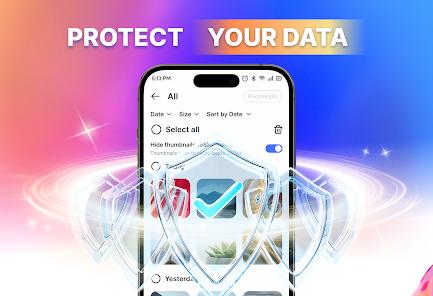
Batch recovery and sorting filters (by date/size) make sifting through thousands of "found" items much faster than manual searching.
The "Pro Tips" provided in the app help users understand that acting fast and avoiding saving new files is the key to successful recovery.
- ✕
The app cannot recover data that has been permanently "shredded" or overwritten, a limitation of the Android filesystem that can disappoint some users.
- ✕
While the initial scan is free, the actual "restore" button is often gated by advertisements or a premium subscription.
- ✕
Some recovered images may be low-resolution thumbnails rather than the original high-resolution files, depending on how much of the original data was lost.
Download
 Get it on Google Play
  Get it on App Store
 FAQs
Why can't the app see my deleted Google Photos?
This app scans local storage (hardware). If photos were only in the cloud and never downloaded to the device, they cannot be recovered by this software.
Is there a risk of malware when using recovery apps?
This app is verified by standard stores, but users should always be wary of granting "Storage Permissions" and should only download from official sources.
How do I maximize my chances of recovery?
Stop using the phone immediately after the deletion. Don't take new photos or install new apps, as this could overwrite the deleted data.
Can I recover photos I deleted months ago?
It is unlikely. Data recovery relies on the storage space not being reused. Over months, it is highly probable that new data has overwritten the old files.
Where do the "Restored" files go?
The app typically creates a dedicated "Recovered" folder in your gallery, though you can often select a custom location on your SD card.
Hot Reviews
"I accidentally deleted my vacation album and was devastated. This app found almost all of them in the cache! It took a few tries to find the full-size ones, but I'm so grateful".
"I like that the app tells you it can't do the impossible. It didn't find the video I deleted last year, but it found the photos from yesterday perfectly. It's honest about how it works".