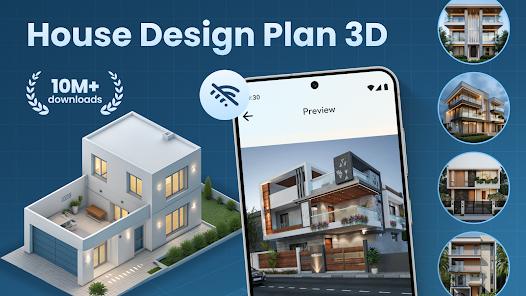
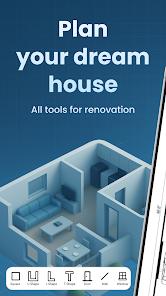
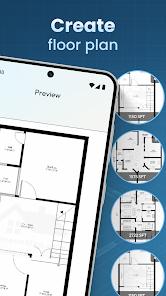
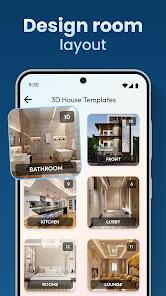
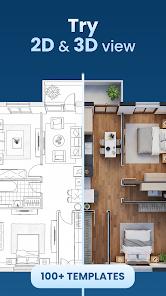
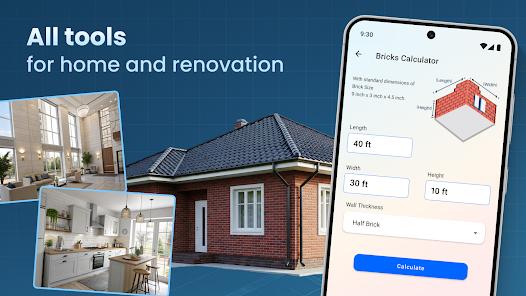
House Design Plan 3D App is a high-utility architectural suite tailored for both professionals and DIY enthusiasts. Its primary value proposition is its hybrid 2D/3D workflow: users can draft detailed floor plans in 2D using a drag-and-drop interface and instantly visualize them in "immersive 3D or 5D" perspectives.
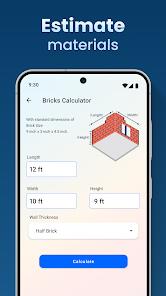
Deep insight reveals that the app functions as a "bridge" tool. While some professional software is too complex for homeowners, and casual games are too simplistic, this app offers "Architecture Design" templates and "DWG editing" capabilities that satisfy both worlds. Technically, the app includes specialized tools like a "Bricks Estimator" and "Geometric Design" utilities, which turn a digital model into a practical construction guide.
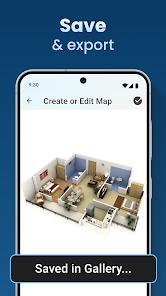
However, the user experience is hampered by a controversial monetization strategy. Although listed as a "free" app, many core tools are behind a steep subscription of approx. $\$15$/week. For designers, the app's real strength is the "Share and Collaboration" feature, allowing plans to be sent directly to contractors and builders in standard architectural formats.
Pros
Intuitive Drag-and-Drop: Makes architectural planning accessible to users without technical drafting degrees.
Professional Format Support: Ability to edit DWG files ensures compatibility with industry-standard CAD software.
Immersive 3D Tours: Take virtual tours of your design to identify spatial issues before building.
Construction Utility: Features like the brick estimator provide real-world value for budgeting and procurement.
Total Style Control: Customize everything from wall textures and flooring to specific furniture placement.
Multi-Platform Access: View and edit your designs on the go from mobile or tablet devices.
Eco-Friendly Tools: Specific modules for planning energy-efficient and "green" homes.
Cons
Expensive Weekly Subscription: At $15 week, it is one of the highest-priced interior design apps.
Critical Rendering Glitches: Users have reported "big holes" appearing in floors/ceilings in multi-story designs.
Restrictive Free Version: The "free" tier is described as "garbage" by some, as it offers very few usable features.
FAQs
Yes, you can export and share your plans with contractors and builders directly through the app.
Yes, the developer offers a trial period, but be cautious of the auto-renewal fees.
Yes, it includes tools for residential, commercial, and office design.
The app supports unlimited floors, allowing you to build up and adjust wall heights for each level.
The app is designed for mobile and tablet, but can run on Apple Silicon Macs.
Hot Reviews
Yes, you can export and share your plans with contractors and builders directly through the app.
Yes, the developer offers a trial period, but be cautious of the auto-renewal fees.
Yes, it includes tools for residential, commercial, and office design.
The app supports unlimited floors, allowing you to build up and adjust wall heights for each level.
The app is designed for mobile and tablet, but can run on Apple Silicon Macs.