Minecraft Education
Overview
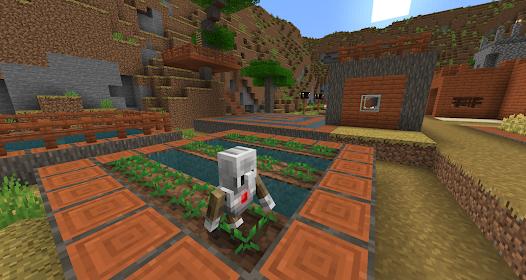
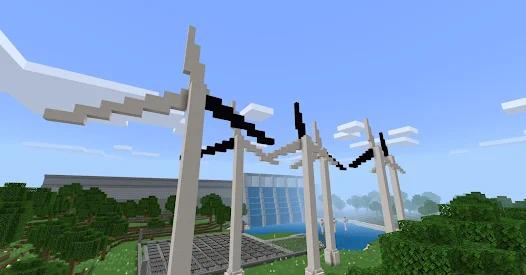
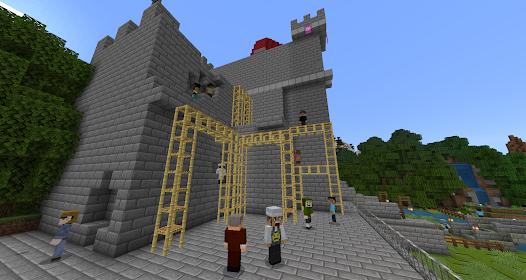
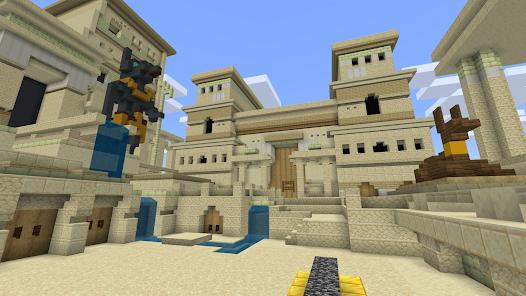
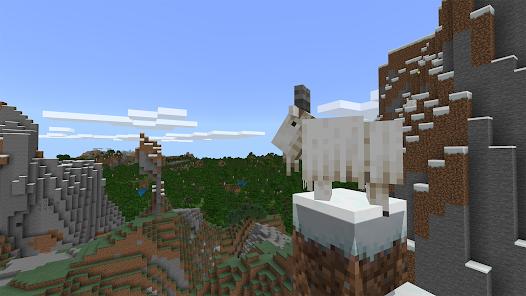
Minecraft Education is a transformative iteration of the global sandbox phenomenon, specifically re-engineered to facilitate game-based learning within formal and informal educational settings. Unlike the standard "Bedrock" or "Java" versions, this edition is deeply integrated with Microsoft's enterprise and educational ecosystem, requiring a school or organizational account for full access. Its primary function is to serve as a versatile pedagogical canvas, enabling instructors to teach subjects as diverse as chemistry, history, and computational logic through immersive, collaborative play.
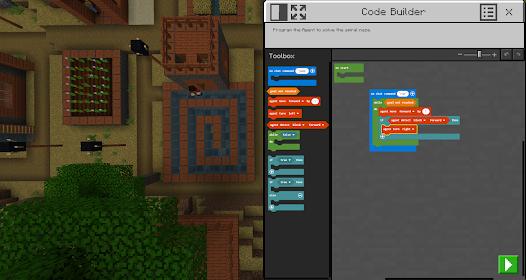
The depth of Minecraft Education lies in its specialized feature set, most notably the "Code Builder." This tool provides an interface where students can write scripts in block-based languages, JavaScript, or Python to manipulate the game world in real-time, effectively bridging the gap between theoretical computer science and tangible results. Furthermore, the "Immersive Reader" integrates text-to-speech and translation directly into the game, ensuring that students with varying literacy levels or those for whom English is a second language can participate fully. The inclusion of specialized items like the "Chemistry Lab" equipment allows for the safe simulation of chemical reactions, creating "balloons" or "glowsticks" through the combination of elements found in the periodic table. It also supports OneDrive cloud backup for student-created worlds.
From a classroom management perspective, the app offers "Teacher Controls" and a "Multiplayer Mode" that is restricted to the school's secure tenant, providing a safe social environment. The "Camera" and "Book & Quill" features allow students to document their progress, creating digital portfolios of their work that can be exported for assessment. Insightfully, Minecraft Education represents a shift in modern pedagogy where "play" is recognized not as a distraction, but as a primary vehicle for developing "21st-century skills" such as collaboration, digital citizenship, and critical thinking.
Pros & Cons
The multiplayer mode enables secure, tenant-based collaboration across different devices, allowing entire classes to work on a single world.
It features a comprehensive "Code Builder" that caters to all skill levels, from introductory block coding to professional Python scripts.
Accessibility is a core focus, with the Immersive Reader and high-contrast modes making the platform inclusive for students with disabilities.
Educators have access to a vast library of over 600 ready-to-use lessons and curriculum-aligned challenges across multiple subjects.
The integration with Microsoft 365, Teams, and Flipgrid allows for streamlined assignment distribution and teacher-led assessment.
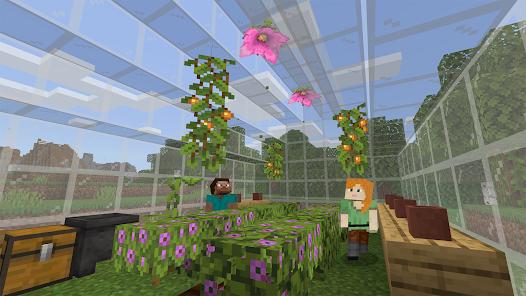
The "Chemistry Update" provides a unique, scientifically accurate way to explore the elements and chemical reactions within a safe environment.
The platform is essentially free for users whose institutions have already purchased the relevant Microsoft 365 Education licenses.
- ✕
The requirement for a valid school or organizational Microsoft 365 account makes it inaccessible to the general public for private use.
- ✕
Frequent technical hurdles, such as the "Something went wrong" login error, can significantly disrupt planned classroom activities.
- ✕
The application has a large footprint (1.2 GB), which may be taxing for older tablets or devices with limited storage.
Download


FAQs
Do I need an internet connection to use Minecraft Education?
An internet connection is required for logging in and for multiplayer collaboration, though some single-player activities can be accessed offline.
How does the Code Builder work?
Users can launch the Code Builder in-game (typically by pressing 'C') and use it to control an "Agent" robot to build structures or collect items.
Can students play this version on their personal phones?
Yes, the app is available on the Play Store for mobile devices, provided the student has their school credentials.
Is Minecraft Education the same as the Bedrock Edition?
While it shares the same engine, it includes unique educational blocks, items, and teacher controls not found in the commercial version.
How can I back up my student's work?
The latest version supports cloud backups directly to OneDrive, ensuring that worlds are preserved even if the device is reset.
Hot Reviews
Reviewers consistently note that Minecraft Education is the "funnest way of education," highlighting how it turns complex coding and chemistry concepts into hilarious and engaging classroom moments.
Users with specific needs have praised the text-to-speech and screen reader tools, stating that these features ensure that no student is left behind regardless of their physical or cognitive challenges.
A recurring complaint among both students and teachers is the unreliability of the login system, which often fails with vague internet error messages despite a stable connection.