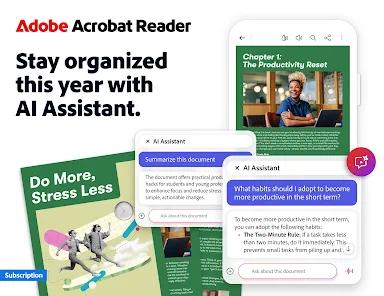
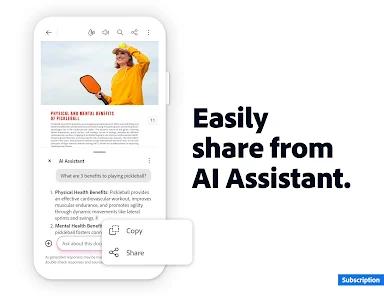
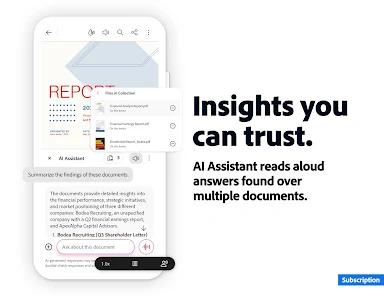
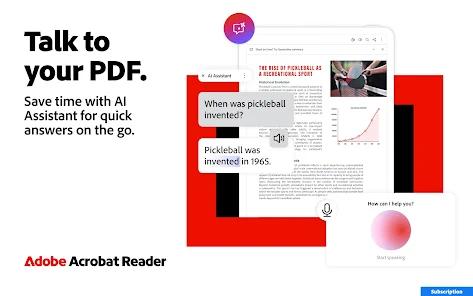
Adobe Acrobat Reader remains the definitive solution for PDF management, moving far beyond a simple viewer into a productivity-centric 'AI Document Assistant.' In 2026, the app's 'AI Assistant' is its most transformative feature. It can ingest a 50-page legal contract or technical manual and provide an instant summary, answer specific questions about the content, and even generate citations. This turns the PDF from a static file into an interactive knowledge base.
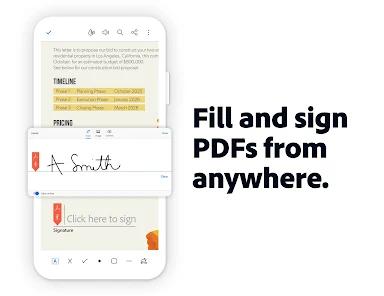
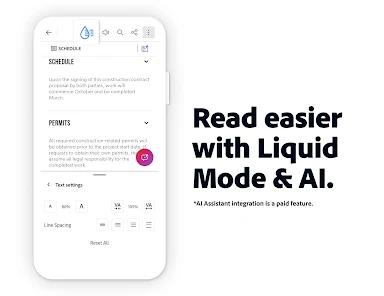
Acrobat Reader's 'Liquid Mode' is a game-changer for mobile consumption. It uses AI to re-flow the text and images of a PDF for a mobile screen, eliminating the need to pinch-and-zoom—a persistent frustration with the PDF format. The integration of 'Adobe Fill & Sign' within the main app allows for professional-grade e-signatures that are legally recognized in most jurisdictions, making it essential for business professionals.
The technical depth of the app is its 'Cross-Platform Continuity.' With Document Cloud, a user can start filling out a form on their phone and finish it on their laptop without any data loss. The security features, including password protection and 'Redact' tools, ensure that sensitive information remains confidential. In an era where information density is increasing, Adobe Acrobat Reader’s ability to summarize, format, and secure documents makes it the most robust tool in its category.
Pros
AI Assistant for document summaries and Q&A.
Liquid Mode for superior mobile reading experiences.
Comprehensive tools for e-signing and form filling.
Robust security features including redaction and encryption.
Cons
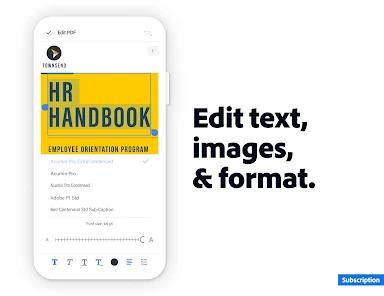
Advanced features (editing/converting) require a subscription.
AI Assistant features may require an additional add-on cost.
FAQs
It reformats the PDF to fit your phone screen perfectly, making it as easy to read as a webpage.
Yes, but this feature requires an Acrobat Premium or Pro subscription.
Adobe claims high privacy standards, ensuring that AI-processed data isn't used to train public models.
Hot Reviews
It reformats the PDF to fit your phone screen perfectly, making it as easy to read as a webpage.
Yes, but this feature requires an Acrobat Premium or Pro subscription.
Adobe claims high privacy standards, ensuring that AI-processed data isn't used to train public models.