
Samsung TV Plus - TV & Movies




Overview
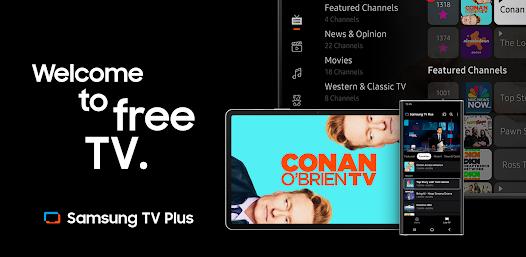
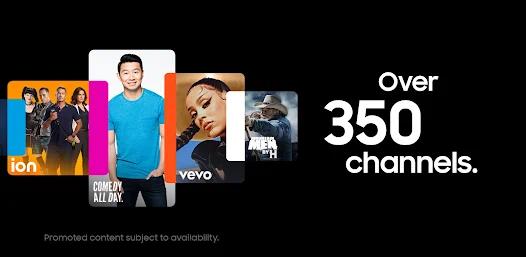
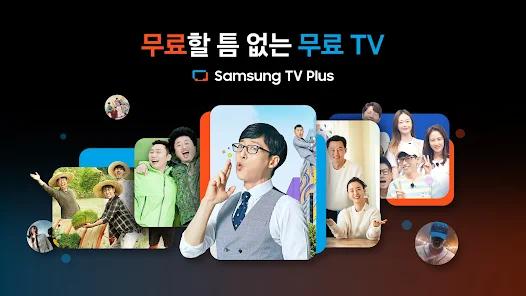
Samsung TV Plus has emerged as a key player in the Free Ad-supported Streaming TV (FAST) sector, representing Samsung's solution to growing consumer subscription fatigue. Pre-installed across Samsung’s ecosystem of Smart TVs, Galaxy devices, and smart monitors, the service bypasses the registration barrier of traditional streaming apps. It offers over 350 live channels and thousands of on-demand movies and TV shows completely free of charge.
Users do not need a paid subscription, credit card registration, or even an account login to begin streaming. By mimicking traditional cable TV surfing, the app makes live entertainment accessible right out of the box for any compatible device.
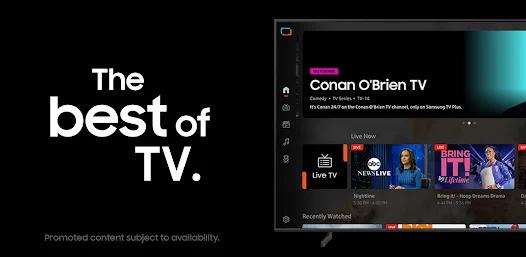
The live channel portfolio features partnerships with major news and sports networks. Users can access live local and national news coverage through channels like ABC News Live, CBS News, LiveNOW from FOX, NBC News NOW, Bloomberg Originals, and CNN Replay. For entertainment, the on-demand library provides full seasons of popular shows such as The Walking Dead, Dateline, Law & Order, Top Gear, and Hell's Kitchen. It also streams films through channels like the Paramount Movie Channel, Hallmark Movies & More, and CINEVAULT Classics.
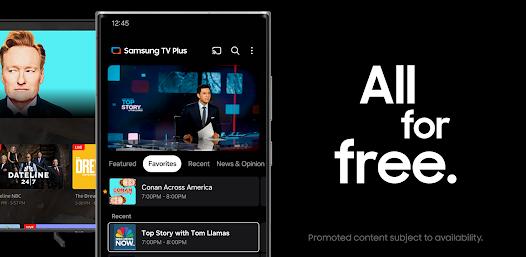
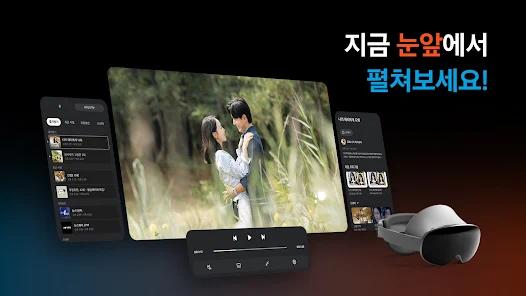
The streaming client is optimized to fit seamlessly into the Samsung ecosystem. It operates across multiple screen sizes, from mobile phones and tablets to family hub refrigerators and smart displays. High-speed adaptive bitrate streaming adjusts playback on the fly, matching local network conditions to ensure stable stream rendering even over cellular connections.
Pros & Cons
Free-to-use distribution model that does not require subscriptions, credit card registration, or logins.
Out-of-the-box system integration across Galaxy mobile and smart appliances.
Extensive live news access with top national and global broadcasters.
Large, rotating library of on-demand full TV seasons and films.
Mimics the traditional cable guide experience, eliminating choice fatigue.
- ✕
Strictly restricted to Samsung hardware and select web environments.
- ✕
Extremely high commercial ad volume, often featuring repetitive ads.
- ✕
Stream dropouts and network sync bugs occur on some displays.
- ✕
On-demand search lacks organized season and episode structural numbers.
Download
 Get it on Google Play
  Get it on App Store
 FAQs
Do I need to pay or sign up to use Samsung TV Plus?
No. The service is entirely free and does not require any subscriptions, fees, credit cards, or account creation.
Which devices are compatible with this application?
The application is compatible with 2016–2023 Samsung Smart TVs, Galaxy mobile devices, Smart Monitors, Family Hub refrigerators, and via web browsers.
Does Samsung TV Plus offer live news and sports?
Yes. The platform provides access to major live news channels (such as ABC News Live, CBS News, and NBC News NOW) alongside select live sports networks.
Can I stream content when my device is offline?
No. Samsung TV Plus is a real-time cloud streaming service that requires an active internet connection to play live and on-demand video.
How do I manage what content is accessible on family devices?
Users can implement parental controls directly through the Samsung device settings menu or the app guide to restrict specific channels and content ratings.
Hot Reviews
The option to browse real-time news and popular TV series without registering a credit card or dealing with monthly subscription invoices is highly convenient.
While a free model naturally relies on ad revenue, the frequency of ads—sometimes over twenty repetitive ads within a brief viewing window—can become highly disruptive.
The app's performance can occasionally suffer from network synchronization dropouts, interrupting streams even when local Wi-Fi speeds are optimal.