Apple TV: Shows, Movies & More

Overview
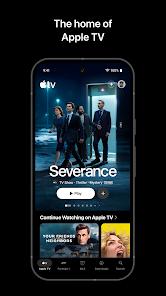
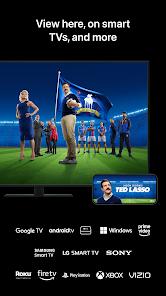
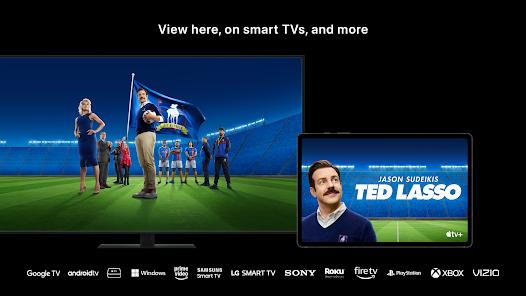
The Apple TV app represents one of the most significant strategic shifts in Apple's modern history. No longer content with a 'hardware-first' approach, the company has increasingly pivoted toward services, and in 2026, this app serves as the flagship for that ambition. On Android TV, the app provides a gateway to Apple TV+, the MLS Season Pass, and a vast library of digital movie rentals and purchases. Functionally, the app is a masterpiece of software engineering, specifically optimized for the 'Leanback' experience of a television screen. Unlike many streaming apps that feel like simple web wrappers, the Apple TV app uses native Android system calls for its playback engine, which allows for significantly higher bit-rates. Apple's original content consistently shows fewer compression artifacts in dark scenes and more vibrant peak brightness in HDR10+ and Dolby Vision.
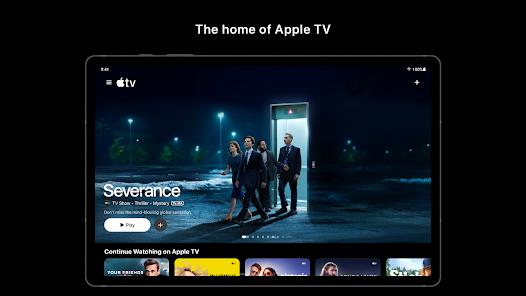
Deeply analyzing its features, the 'Up Next' row is the heart of the user experience. It uses a cross-device syncing protocol that allows a user to start a show on their iPhone during a commute and resume it exactly where they left off on their Sony or Philips Android TV. In 2025/2026, the 'Liquid Glass' UI overhaul introduced a real-time rendering layer to the home screen. This means the backgrounds of the menus aren't static; they subtly refract the colors of the movie posters currently on screen, creating a dynamic, premium feel that makes the stock Android TV interface look dated.
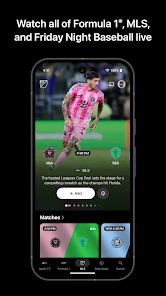
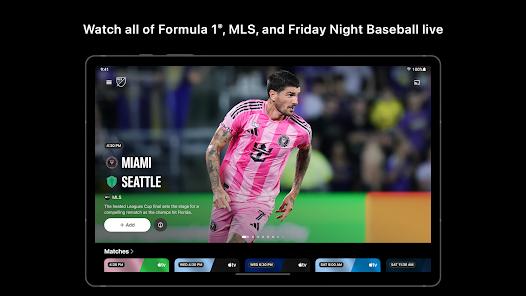
From a comparative perspective, the app offers a unique value proposition: high-quality originals (like Severance or The Morning Show) paired with high-quality sports. The integration of Major League Soccer (MLS) is particularly noteworthy. It includes multi-view capabilities, allowing fans to watch up to four matches at once—a feature rarely seen in standard Android TV apps. However, it's not without its shortcomings. The app remains somewhat siloed within the Apple ecosystem. For instance, while it supports Dolby Atmos, getting the full 'spatial audio' effect often requires specific hardware configurations that are easier to achieve on an actual Apple TV 4K box. Furthermore, the 'Store' tab often presents a friction point; due to Google Play's billing policies, many users find they have to buy or rent movies on a web browser before they appear in the app's library, a process that can be confusing for casual users. Despite these hurdles, the Apple TV app remains the definitive way to experience premium 4K content on the Android TV platform, proving that Apple is willing to meet users wherever they are, provided they are willing to enter the subscription ecosystem.
Pros & Cons
Superior bit-rate for 4K HDR content compared to most streaming apps.
Integrated MLS Season Pass for sports fans.
Clean, ad-free interface (within the TV+ section).
- ✕
Library purchases sometimes don't sync as reliably as on iOS.
- ✕
Navigation can feel slower on lower-end Android TV boxes.
- ✕
No support for local file playback or side-loading integration.
Download


FAQs
Do I need an Apple device to use this?
No, you only need an Apple ID, which can be created on any browser.
Does it support Dolby Atmos on Android TV?
Yes, provided your hardware and audio system are compatible.
Can I buy movies directly in the app?
This depends on the region and Google Play's current billing policies; often, buying must be done on a browser.
Hot Reviews
The 4K bit-rate here is noticeably higher than other apps. Visuals are crisp and the HDR is stunning.
The new Liquid Glass look is beautiful. It makes the Android TV interface look modern and premium.
Hard to find where my old iTunes movies are. It takes too many clicks to get to my library.