DIRECTV: TV & Movie Streaming
Overview
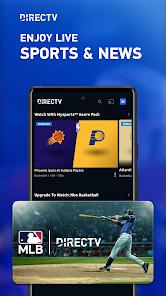
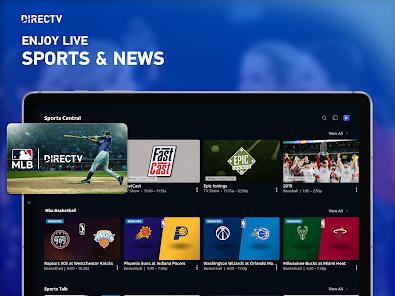
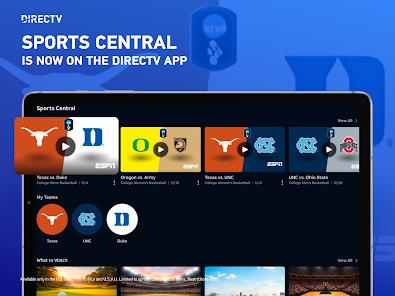
DIRECTV: TV & Movie Streaming represents the contemporary mobile and smart TV interface for DIRECTV STREAM, a service that originally evolved from AT&T TV and AT&T TV NOW. Engineered between 2017 and 2020 by the AT&T Experience Design Studio, the software was designed to unify the post-acquisition portfolios of AT&T and DIRECTV. The primary goal was to construct a robust, cross-platform video service that could replace physical satellite hardware with a virtual private streaming receiver. Today, the application operates as a major premium over-the-top (OTT) television platform in the United States, delivering linear broadcasts, live sporting events, regional sports networks (RSNs), and on-demand media over standard internet protocol networks.
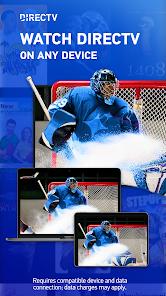
From an architectural standpoint, the development team prioritized cross-platform consistency to deliver a standardized design language across highly diverse environments, including Android, iOS, Apple TV, Amazon Fire TV, Roku, and Samsung Tizen. The application handles high-definition (HD) MPEG-4 streams and utilizes dynamic adaptive streaming protocols over HTTP (DASH) to adjust stream parameters automatically based on real-time network throughput. This mechanism is critical for maintaining stable stream connections during live, high-traffic broadcasts such as national sporting events. It supports unlimited cloud DVR storage, and a 9-month automatic deletion window. Unified account login is required and supports primary configuration options.
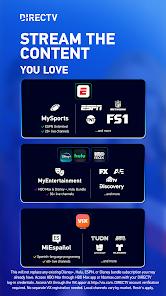
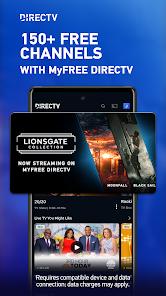
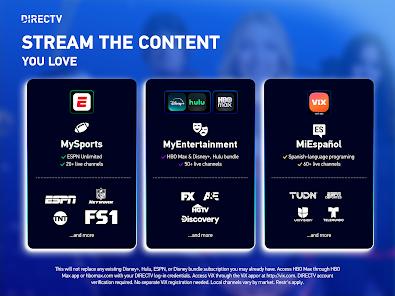
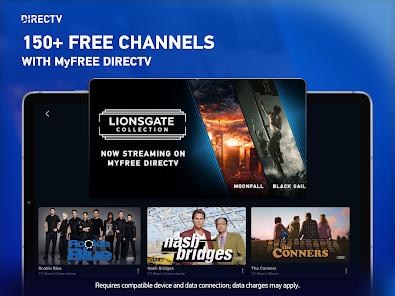
The platform uses a hybrid monetization model. It features a baseline of free, ad-supported on-demand movies and television channels that require no subscription or financial registration. To supplement this, the application offers premium tier subscriptions that include up to 185 live channels, paired with specialized "Genre Packs" like MySports, MyEntertainment, and MiEspañol. These packs often bundle third-party subscription video-on-demand (SVOD) platforms, such as Disney+, Hulu, and Max, directly into the guide.
Despite its polished interface, the application faces integration challenges on modern Android and Google TV devices. Product documentation and public feedback reveal that the application does not support direct installation from the Google Play Store on certain devices, such as the Chromecast with Google TV. Users are instead required to cast media from a mobile device. Furthermore, developers attempting to integrate automated, network-based hardware tuners via the Android Debug Bridge (ADB) frequently report application hangs and stream play errors during channel-switching operations, pointing to optimization issues in the app's player engine.
Pros & Cons
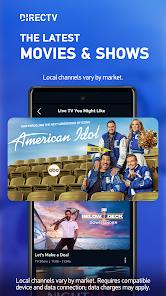
The platform provides reliable access to local network broadcasts and regional sports networks, which are frequently absent from alternative live TV streaming platforms.
The inclusion of unlimited Cloud DVR storage allows users to record multiple live broadcasts simultaneously without depleting physical device storage.
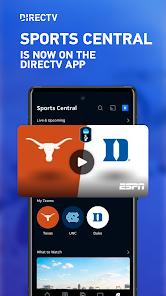
The platform features a highly unified user interface that provides design and navigational consistency when transitioning between mobile devices and smart TVs.
Flexible genre packs allow subscribers to customize their programming lineups with targeted thematic channels and integrated SVOD platforms.
The app features a zero-commitment free tier that permits users to stream movies and linear feeds without requiring a credit card or subscription.
- ✕
The developer restricts direct installation on certain popular streaming devices, such as Chromecast with Google TV, forcing users to rely on casting configurations.
- ✕
Platform-specific technical bugs have been documented, including closed-caption rendering errors and screen freezes on Google TV setups.
- ✕
Linear television streams are capped at 720p/60FPS resolution on many Android TV platforms, falling short of modern 1080p and 4K display capabilities.
- ✕
Automated third-party channel-tuning integrations via Android Debug Bridge (ADB) face stability issues, occasionally causing the stream player to hang.
Download


FAQs
Can this application be installed natively on any device running Google TV?
No. While the app is highly compatible with verified Android TV and smart TV platforms, certain devices like the Chromecast with Google TV do not support direct installation from the Google Play Store and must rely on mobile casting functions.
Does the Cloud DVR feature impose a storage capacity limit on recorded content?
No, the Cloud DVR provides unlimited storage space. However, recorded programs are automatically deleted after a maximum retention period of nine months.
What are the requirements for streaming content via the application?
Users require a compatible Android smartphone, tablet, or TV device, an active account, and a stable, high-speed internet connection.
Does the free streaming tier require a credit card registration?
No. The basic ad-supported tier is entirely free and does not require users to input credit card details or sign long-term service contracts.
Hot Reviews
The application provides reliable access to local network broadcasts and regional sports networks, which are frequently absent from alternative live TV streaming platforms.
Subscribers have expressed frustration regarding the inability to directly download and update the interface on select Chromecast devices, requiring workarounds to stream.
Users on Android-powered smart TVs have reported recurring issues where closed captioning fails to load or requires manual app restarts to function.