

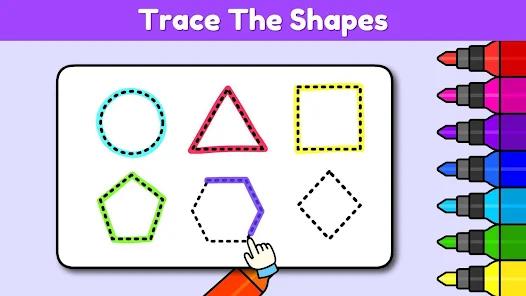
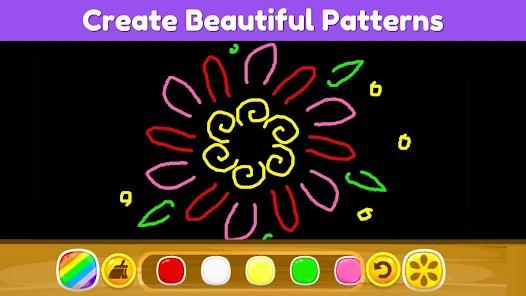

Coloring Games for Kids (or Coloring Club) is a specialized developmental application for toddlers and preschoolers (ages 2-6). In the early childhood education market, this app serves as a bridge between sensory play and structured learning, utilizing the tactile nature of touchscreens to foster creativity and fine motor skills.
Functional Disassembly and Deep Insights
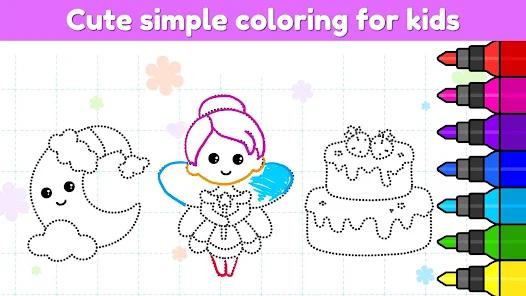
The application's functional design is centered on "Artistic Scaffolding." It offers multiple modes that correspond to different developmental stages. For the youngest users (ages 2-3), the "Magic Coloring" mode allows them to swipe their fingers randomly to reveal beautiful, pre-defined colors—this builds confidence and basic cause-and-effect understanding. For older users (ages 4-6), the "Color by Number" and "Dot Art" modes introduce structured logic, number recognition, and the precision required for future handwriting.
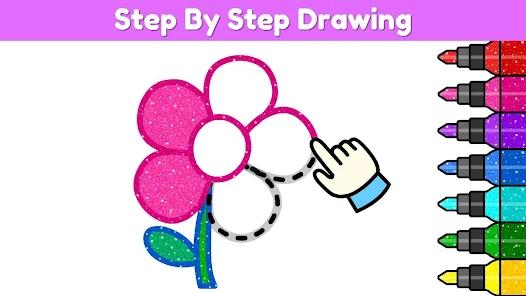
A deep insight into the app's pedagogical value is its focus on "Fine Motor Control." The variety of tools—glitters, patterns, different brush thicknesses—requires the child to make deliberate movements on the screen. This digital "pincer grasp" practice is an essential precursor to holding a physical pencil. Furthermore, the inclusion of "Step-by-Step Drawing" tutorials helps children move from abstract doodling to recognizable forms, supporting their cognitive development and spatial awareness.
Safety is a critical operational component of the app's strategy. Developed specifically for children, the environment is isolated from social media and external links, meeting strict "Parental Peace of Mind" standards. This allows for independent play, which is an important milestone for preschool-aged children.
Pros
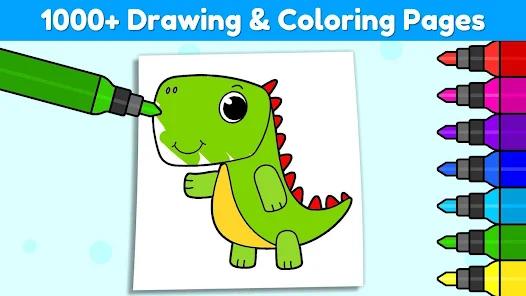
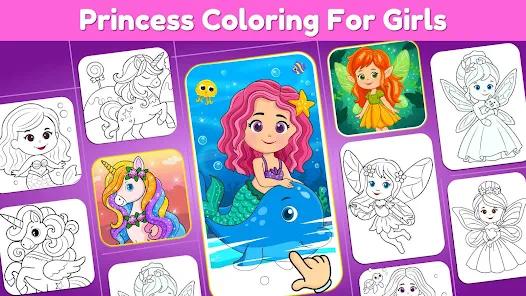
Massive Creative Variety: With over 1,000 coloring pages and drawing games, the app provides an almost endless variety of content to keep young minds engaged.
Multi-Subject Integration: Beyond art, the app teaches the alphabet, numbers, shapes, and animal names, integrating learning into play.
Developmentally Appropriate Modes: Multiple coloring styles (Magical, Glow, Dot, Number) cater to children at different stages of motor and cognitive growth.
Sensory-Rich Experience: The combination of bright colors, fun sound effects, and rewarding animations creates a highly stimulating and joyful environment.
Kid-Safe Architecture: The intuitive, large-button interface is designed specifically for small hands and contains no intrusive third-party ads or social tracking.
Cons
High Storage Impact: The extensive library of images and high-quality animations can lead to significant storage consumption on phones with limited space.
Gated Premium Content: While many pages are free, the best and most popular characters are often locked behind the "Coloring Club" membership.
Subscription Confusion: Some parents find the membership model difficult to navigate, occasionally leading to unintended charges if not managed carefully.
FAQs
Yes, the app is designed with a "Kid-Safe" interface that prevents children from accessing settings or external links.
Once the initial coloring packs are downloaded, the app can be used offline, making it perfect for long car rides or airplane travel.
Yes, the app includes a "Gallery" where all of your child's masterpieces are saved for you to view or share later.
Yes, the "Step-by-Step" mode guides children through the process of drawing simple animals and objects.
Subscription management is handled through the Google Play Store account settings under "Payments & Subscriptions".
Hot Reviews
Yes, the app is designed with a "Kid-Safe" interface that prevents children from accessing settings or external links.
Once the initial coloring packs are downloaded, the app can be used offline, making it perfect for long car rides or airplane travel.
Yes, the app includes a "Gallery" where all of your child's masterpieces are saved for you to view or share later.
Yes, the "Step-by-Step" mode guides children through the process of drawing simple animals and objects.
Subscription management is handled through the Google Play Store account settings under "Payments & Subscriptions".